
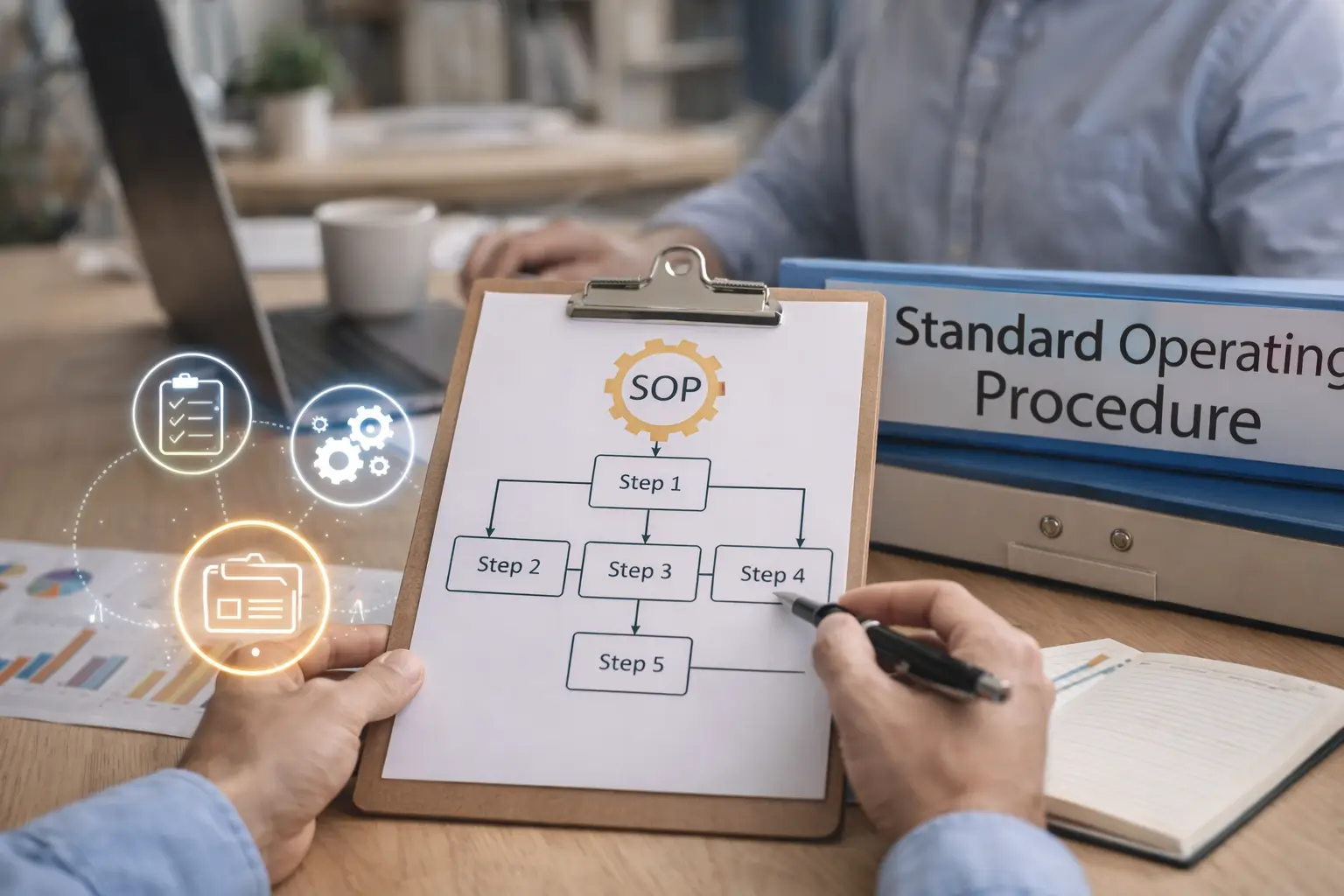
Why So Many SOPs Fail in Real Businesses
Most SOPs do not fail because the idea is wrong. They fail because they are written in a way that nobody wants to use. They are too formal, too broad, too detailed in the wrong places, or created mainly to feel organized rather than to solve an actual recurring problem.
In small businesses especially, people do not have patience for documentation that reads like a manual written for a different company. If an SOP takes too long to read, is hard to scan, or does not reflect the real workflow, team members will stop trusting it. Then the business goes back to the same cycle of asking questions, fixing preventable mistakes, and relying too much on memory.
A useful SOP should remove friction, not add another layer of it. That means it needs to be practical enough that people can actually follow it during real work, not just admire it as a nice internal document.
What an SOP Should Actually Do
A strong SOP is there to make repeated work easier, clearer, and more consistent. It should help someone complete a task with less confusion, fewer mistakes, and less dependence on you.
That does not mean every task needs an SOP. Documentation makes the most sense when the work is repeated often enough, matters enough, and tends to create confusion, inconsistency, or wasted time when it is not clearly documented.
The best SOP candidates usually involve work that:
– happens regularly
– has several steps that can be missed
– affects quality, customer experience, or team efficiency
– gets explained repeatedly in messages or calls
– creates avoidable errors when handled from memory
If a task is rare, always changing, or heavily dependent on senior judgment, a full SOP may not be the right solution. Founders sometimes overdocument the wrong things while leaving common messy workflows undocumented.
Write SOPs for Real Use, Not for Appearances
One reason SOPs get ignored is that they are often written from the top down instead of from the workflow itself. They describe what should happen in theory, but not what actually helps someone complete the task smoothly.
A better approach is to write from the perspective of the person doing the work. What do they need to know at the moment they are doing it. What usually goes wrong. What details cause hesitation. What must be checked before marking the task complete.
That leads to more useful documentation.
For example, a weak SOP might say, “Prepare and send the onboarding email.” A more useful SOP would clarify:
– when the email should be sent
– what template to use
– what information must be included
– what to double-check before sending
– what to do if a common issue appears
The difference is that one sounds organized, but the other actually helps.
Keep SOPs Short Enough to Use While Working
This is where many businesses get it wrong. They assume more detail always makes a better SOP. In reality, too much detail often makes documentation harder to use.
People need SOPs that are easy to scan in the moment. That usually means writing them with a clean structure, simple language, and only the level of detail that helps someone complete the task properly.
Use a simple structure
A practical SOP often includes:
– the purpose of the task
– when to use the SOP
– the step-by-step process
– any important warnings or common mistakes
– the definition of done
That last part is especially helpful. Many problems happen because people are not sure what counts as finished. A clear definition of done reduces ambiguity and lowers the chance of half-completed work.
Include judgment points where they matter
Not every task is purely mechanical. Some need small decisions along the way. If so, name them clearly. For instance, explain when to escalate, when to ask for approval, or when to choose option A instead of option B.
That makes the SOP more realistic and prevents the false impression that every workflow can be followed blindly.
Make SOPs Easy to Maintain or They Will Rot Quickly
An outdated SOP is often worse than no SOP at all. Once the team notices the documentation no longer matches reality, trust drops fast. After that, people stop checking it.
This is why maintainability matters. Your SOP system should be easy to update whenever the workflow changes. Do not make documentation so polished or complex that editing it feels like a project.
A few simple habits help:
– assign ownership for important SOPs
– review them when workflows change
– update them after mistakes reveal weak spots
– remove outdated instructions instead of stacking revisions endlessly
– keep them in one easy-to-find place
In small teams, even light documentation maintenance can make a big difference. The goal is not perfection. It is keeping the SOP accurate enough that people still trust it.
How to Get People to Actually Use Them
Even a good SOP can be ignored if it is introduced badly. Adoption usually improves when the document is clearly tied to a real task, real problem, or real benefit.
A few things make usage more likely:
– create SOPs for pain points the team already feels
– use them during onboarding and real task handoff
– keep the format consistent so documents feel familiar
– link them directly where the work happens if possible
– improve them based on actual questions people ask
It also helps not to overwhelm the team with too much documentation at once. Start with the workflows that waste the most time or create the most repeated confusion. Let those earn trust first.
When people see that an SOP helps them complete work faster and with fewer corrections, they are much more likely to keep using it. That is the real test. Not whether the document looks polished, but whether it reduces friction in practice.
Conclusion
SOPs save time only when they are built for real use. If they are too long, too vague, too theoretical, or too outdated, they become background clutter instead of useful support.
For entrepreneurs and small teams, the best SOPs are the ones that solve repeated problems clearly and simply. They help people do good work with less guesswork, less back-and-forth, and less dependence on the founder remembering everything. That is when documentation starts becoming a real operational advantage instead of just another folder full of forgotten files.












0 Comments